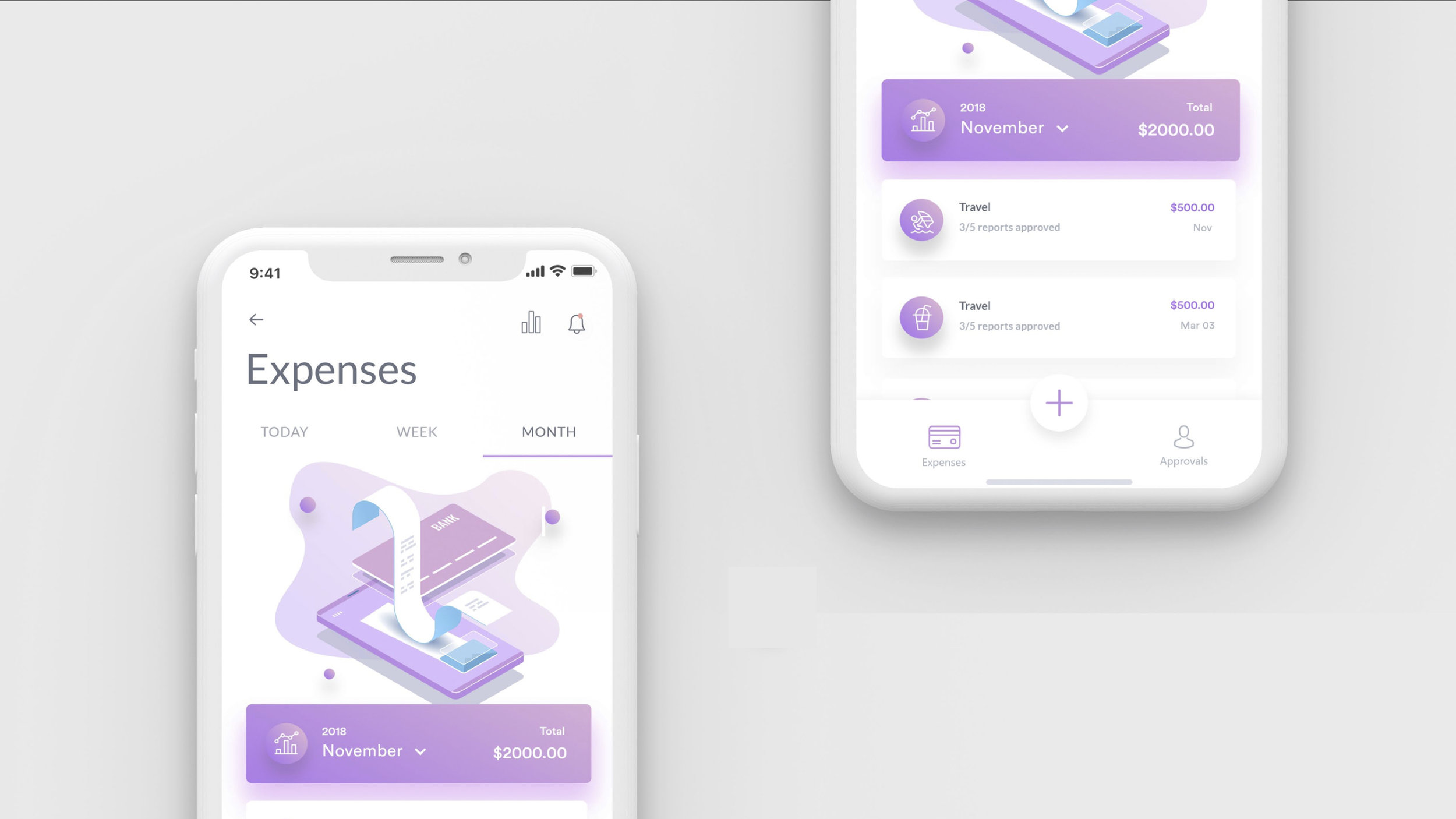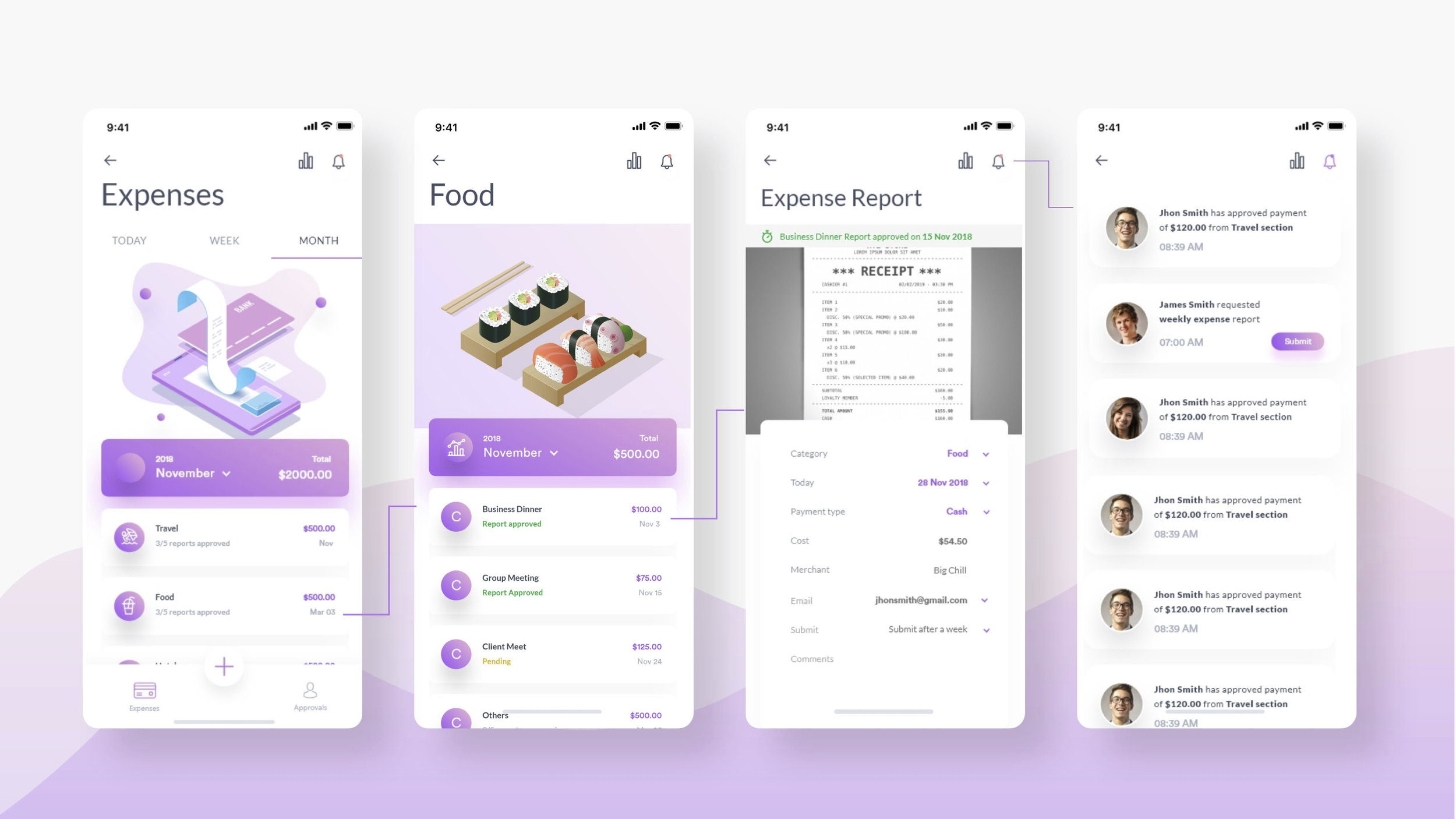
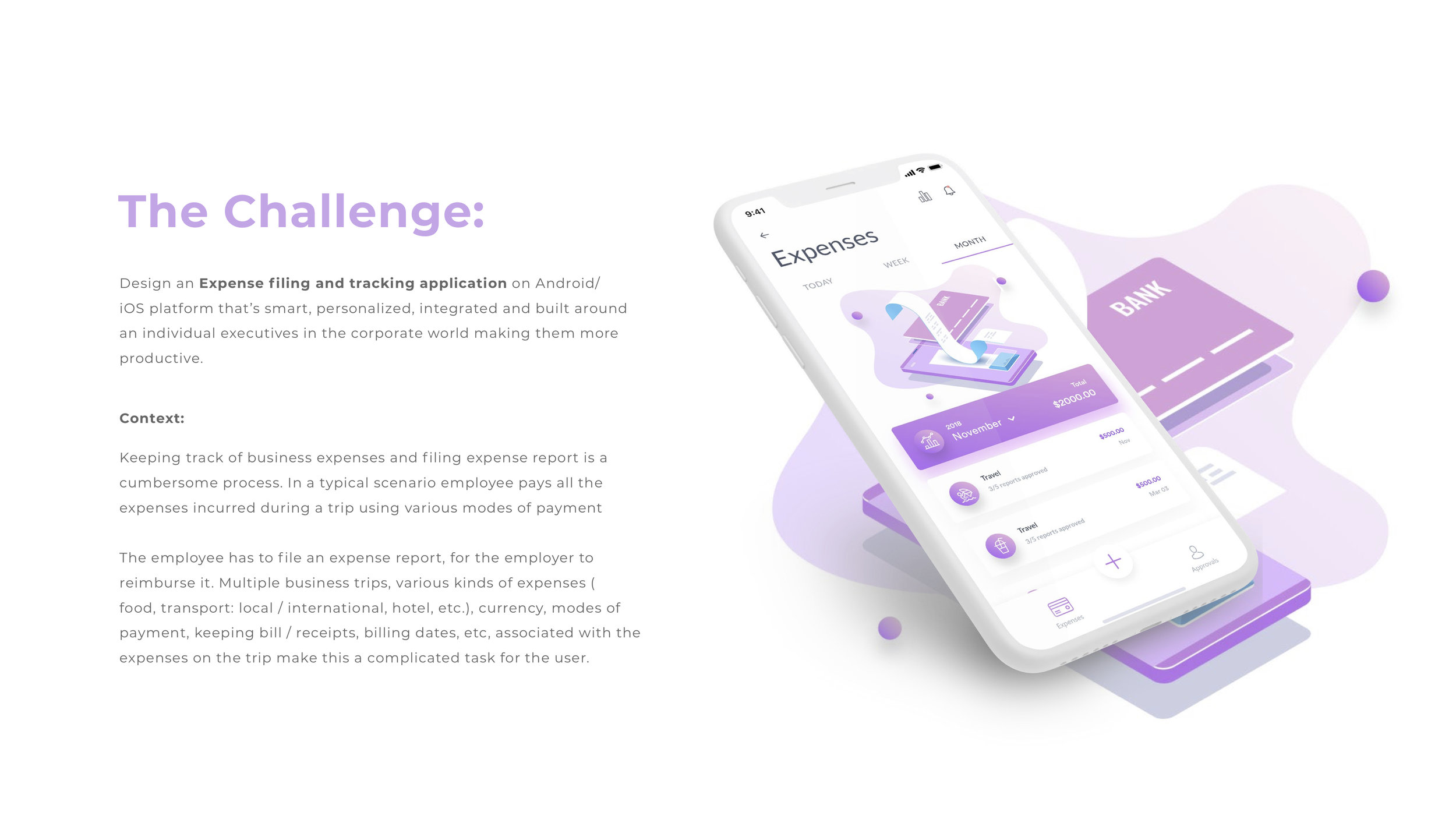


Create Expense report on the go and effortless process.
Upload receipts or record your expense from anywhere and anytime.
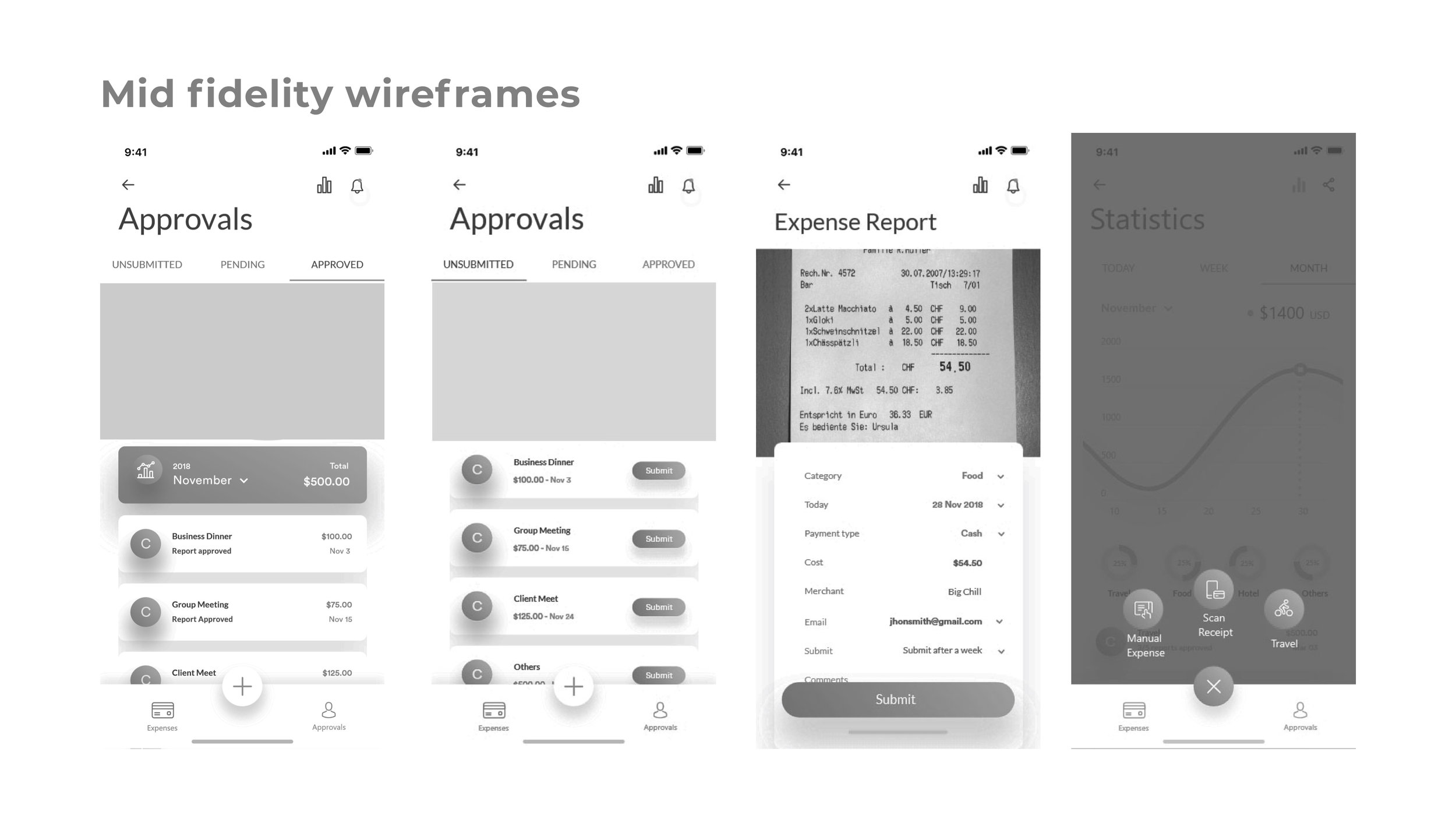
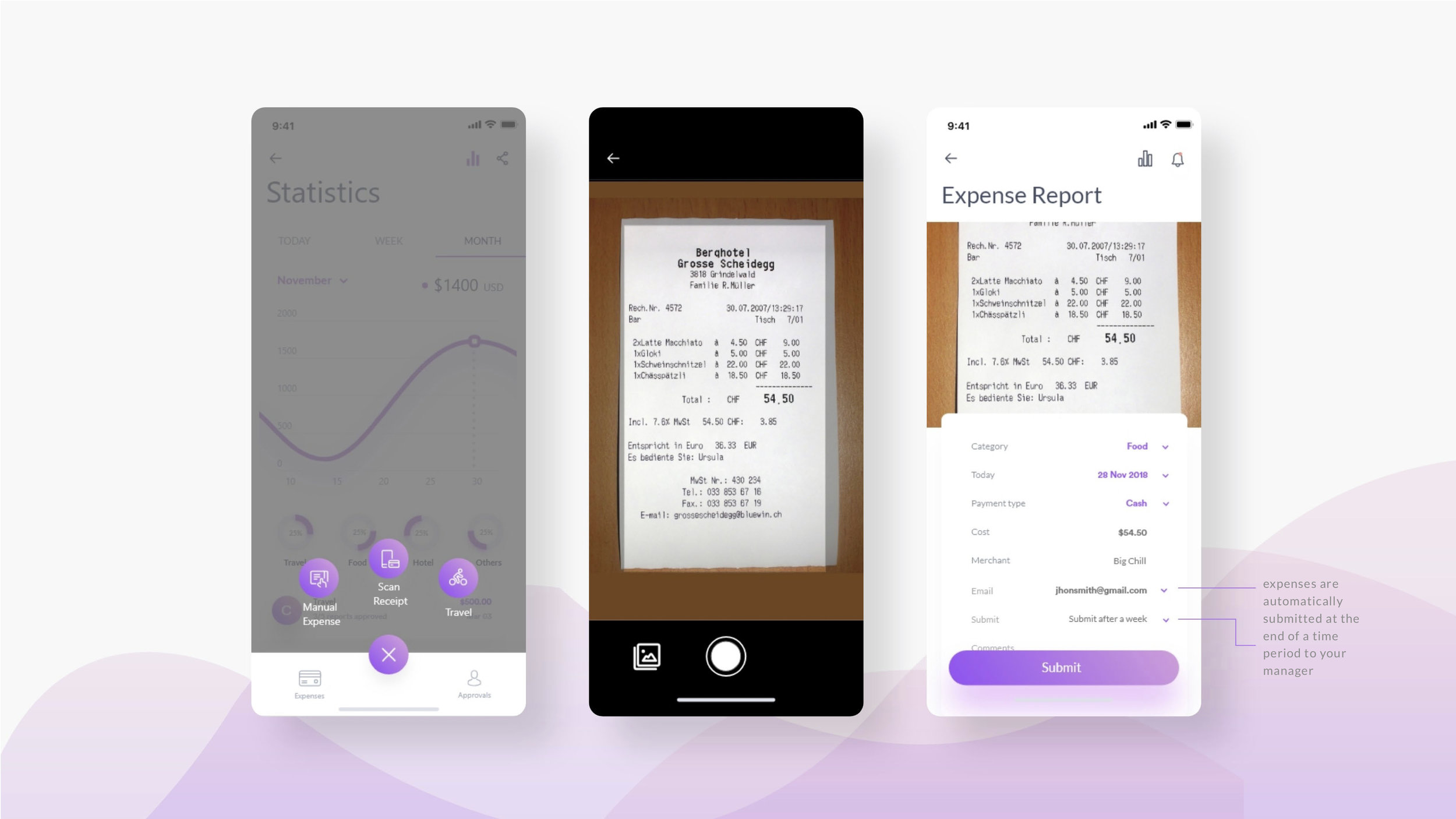
Take a photo of your receipts and upload, scans the receipt creates a corresponding expense report, which you can make also create manually if you want.
Automated systems can make things much easier for organisations, and help improve accuracy and visibility, and reduce costs. For example, these tools can give employees mobile access, enabling them to record receipts and approve claims on the move. This means workers can manage receipts in real time and managers can minimise the approval bottleneck and the whole process is made more efficient through automation
Improved accuracy with no manual entry. Easy reconciliation of credit card accounts. Automated credit card EXpense reports.
Easily import credit card spend
Company credit card spends automatically imports from online banking for an efficient and streamlined credit card expenses process with no manual entry.
Supports major credit cards
The web expenses credit card interface supports all major credit card and online banking vendors to seamless integration with your existing process.
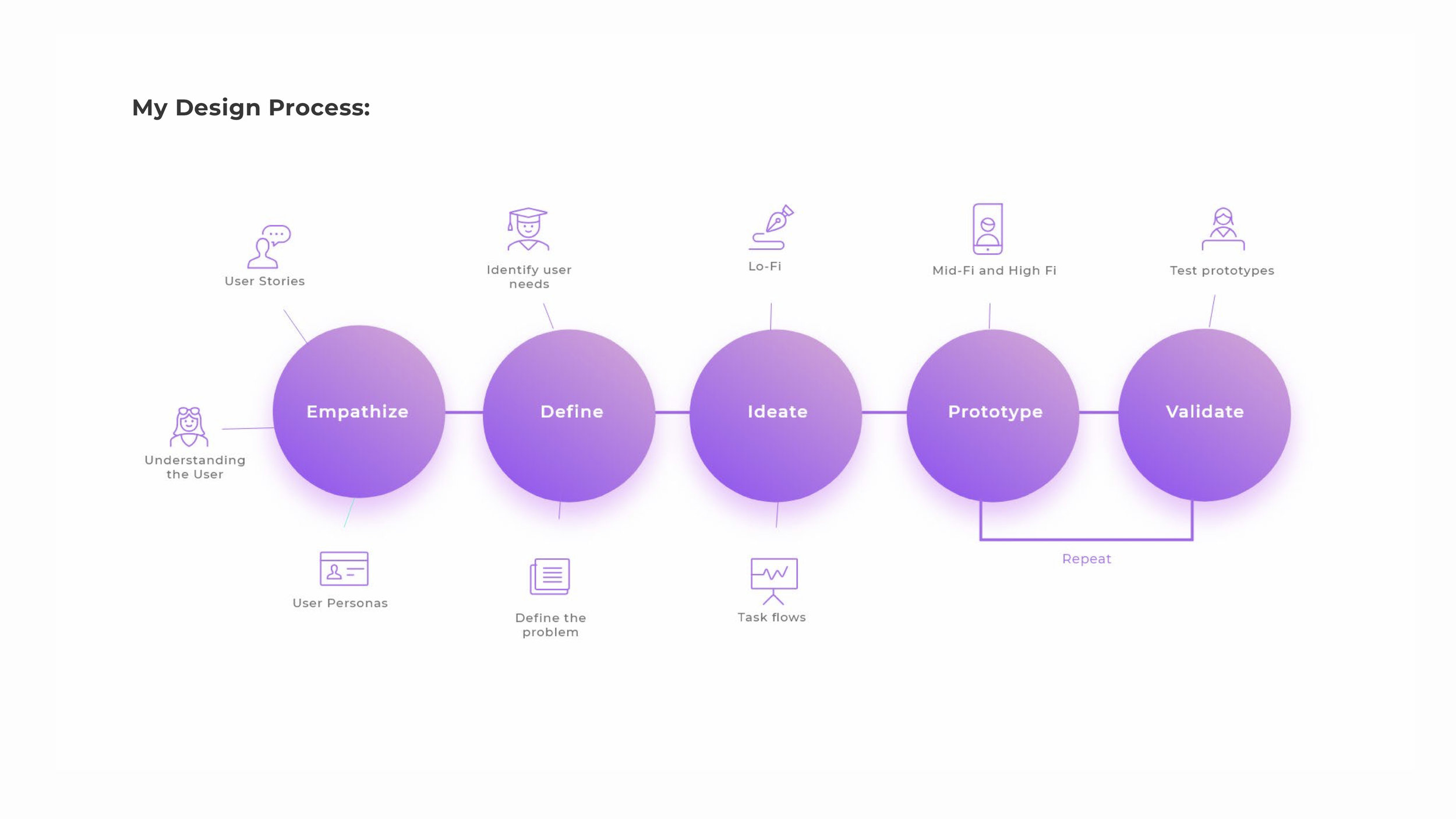
I recommend that expenses are automatically submitted at the end of a time period to your manager. The time period is defined by the company administrator or approver. For example, expenses could be auto-submitted as soon as they’re uploaded, once a week, or once a month.
If needed, expenses could continue to be grouped into “reports” based on the meta data contained in each expense.
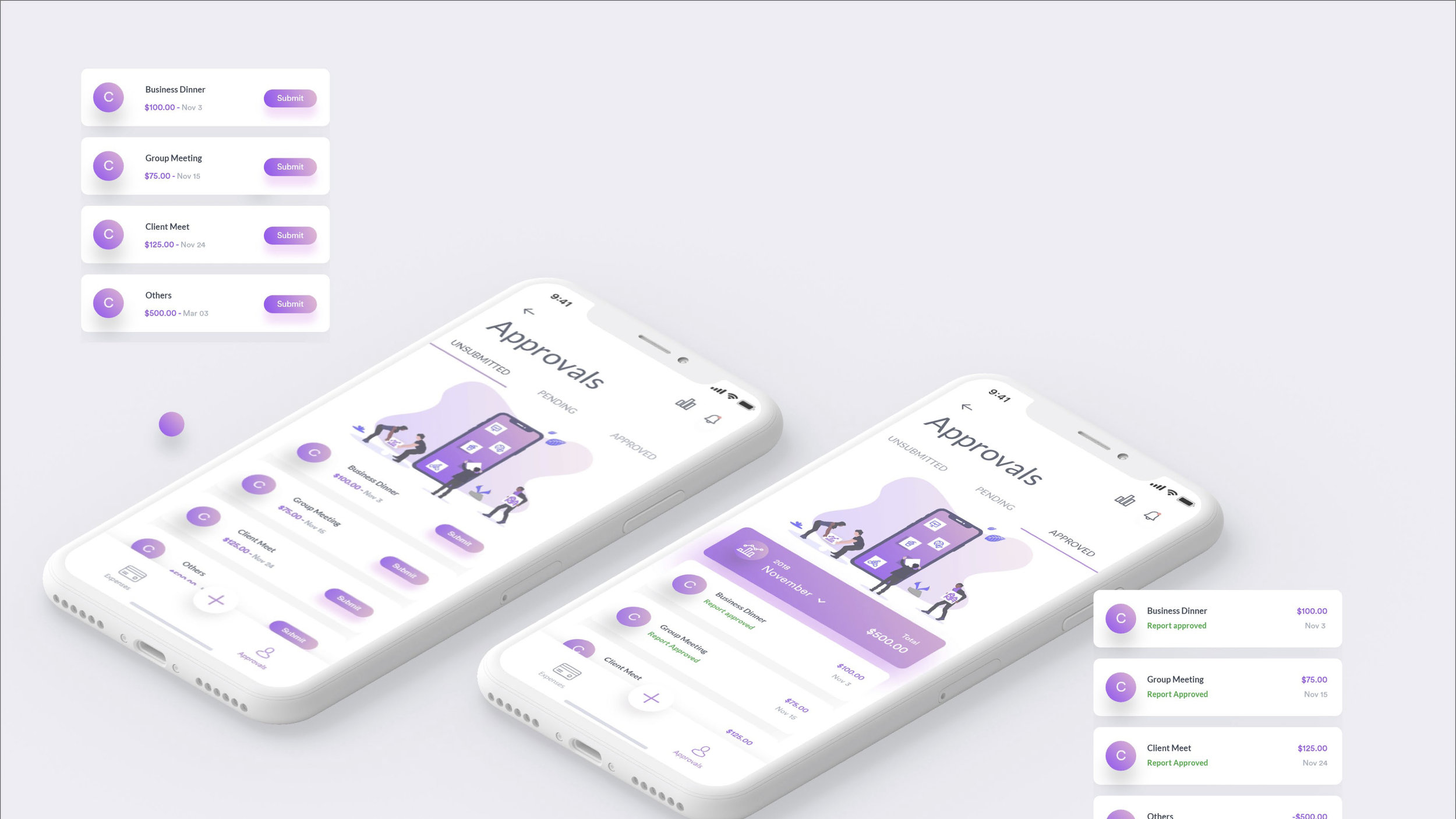
With this process change, the submission process can be drastically simplified. Also notifying which reports are approved, pending and not approved.
Real-time view
Accurate visibility of company expenses spend at the touch of a button for up-to-the-minute reporting
Single view of all expenses spend
Effective reporting brings cost-savings to organisations
Custom reports easily integrate into finance, HR and payroll systems
Breaking down employee purchases by category, projects, or office location, giving you useful data for future budget planning and an easy way to track where company money is going.